Introduction
Over 50 million podcasts are currently active worldwide, and the video content market is projected to surpass $1.2 trillion by 2030 — yet the majority of independent creators still spend more time editing their content than actually creating it. That gap between recording and publishing is precisely the problem that Descript was built to solve.
Descript is a revolutionary all-in-one audio and video editing platform that takes a fundamentally different approach to content production: it lets you edit media the same way you edit a text document. Instead of wrestling with timelines, waveforms, and frame-by-frame cuts, you simply read and edit a transcript — and your media changes accordingly. It's an idea so intuitive it almost sounds too good to be true, yet Descript has earned a devoted following among podcasters, YouTubers, marketers, and content teams of all sizes.
In this comprehensive review, we'll explore what makes Descript stand out in the crowded creator productivity space, break down its most powerful features, examine its pricing structure, and help you determine whether it's the right tool for your workflow in 2026.
---
What Is Descript?
At its core, Descript is a text-based audio and video editing application powered by artificial intelligence. Rather than requiring users to learn traditional non-[Linear](https://linear.app) editing software, Descript transcribes your recordings automatically and presents the content as an editable document. Delete a word from the transcript, and that word disappears from your audio or video. It's an elegantly simple concept that dramatically reduces the learning curve for new creators and accelerates the workflow for seasoned professionals.
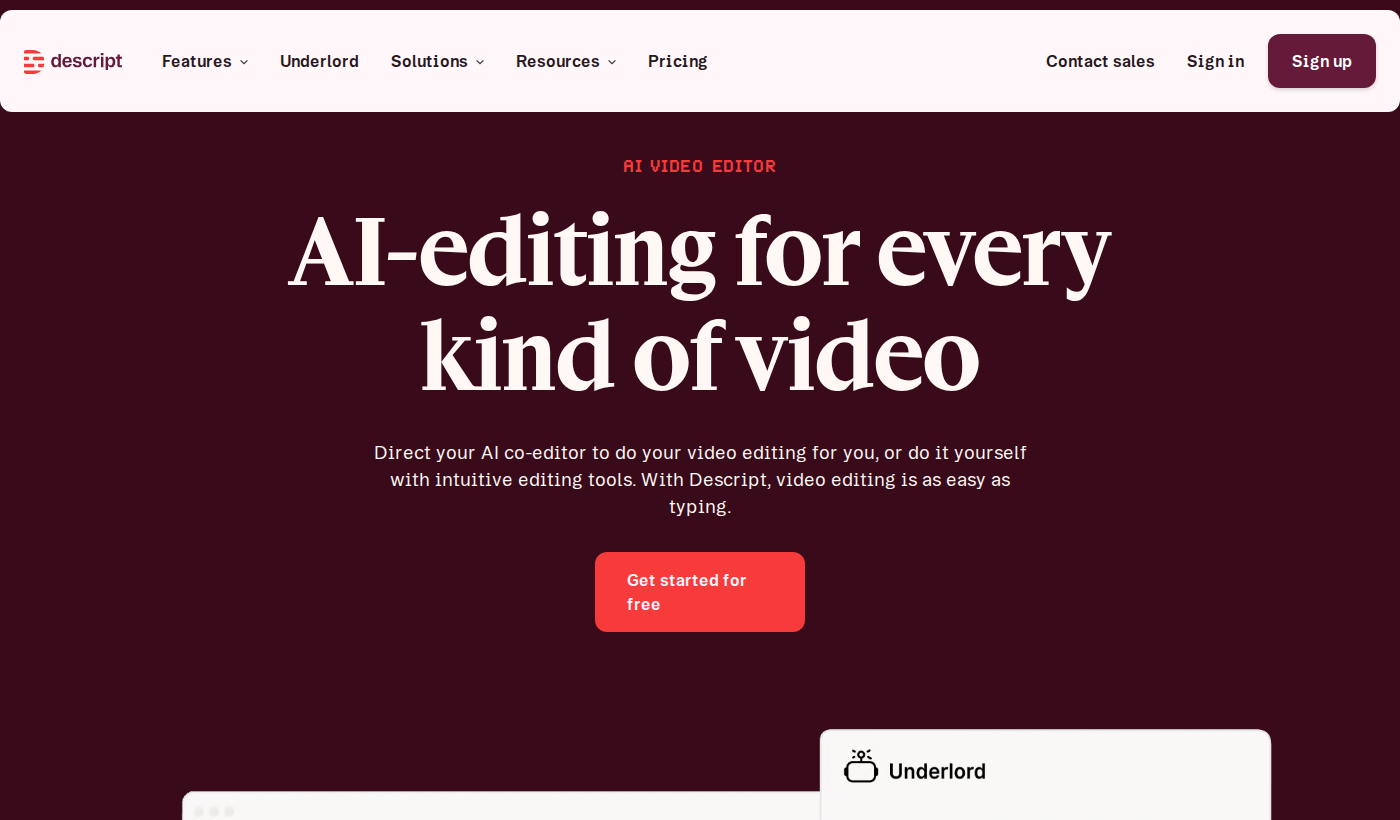
Visit Descript's official website and you'll find a platform that positions itself as far more than a basic editor. Descript combines transcription, screen recording, multi-track audio editing, video composition, collaboration tools, and AI-powered features into a single unified workspace. This breadth of functionality makes it a genuine all-in-one creator productivity platform rather than a single-purpose utility.
Founded in 2017 by Andrew Mason — the co-founder of Groupon — Descript has consistently pushed the boundaries of what editing software can do, most notably with the introduction of its "Overdub" AI voice cloning feature. The company has attracted significant venture backing and built a passionate user base that spans independent podcasters, corporate communications teams, documentary filmmakers, and everyone in between.
What truly differentiates Descript in the creator productivity landscape is its commitment to making professional-quality content production accessible to people who aren't professional editors.
---
Key Features of Descript
Text-Based Editing
The headline feature of Descript is its text-based editing engine, and it lives up to the hype. When you import or record audio or video inside Descript, the platform automatically generates a transcript of your content. From that point forward, your editing workflow becomes document editing. Want to cut a rambling section from a podcast episode? Highlight it in the transcript and delete it. Need to rearrange the order of talking points in a video? Cut and paste sentences just like you would in a word processor.
This approach is transformative for creators who come from a writing background or who simply find traditional timeline-based editing software intimidating. It also makes the editing process dramatically faster for experienced editors who no longer need to scrub through footage hunting for specific moments.
Overdub: AI Voice Cloning
Overdub is perhaps Descript's most talked-about — and most ethically interesting — feature. It allows you to train an AI model on your own voice and then generate new speech simply by typing. Make a mistake in a recording? Rather than re-recording the entire take, you type the correct words and Descript generates audio in your voice that seamlessly fills the gap.
The implications for creator productivity are enormous. Podcast hosts can fix verbal stumbles without reshoots. Video narrators can update outdated content without returning to a studio. Content teams can produce consistent voice narration at scale.
Studio Sound and AI Audio Enhancement
Descript includes an AI-powered audio cleanup feature called Studio Sound, which automatically removes background noise, room echo, and other acoustic imperfections from your recordings. For creators who don't have access to professional recording environments — which is the vast majority — this feature alone can justify the subscription cost. The difference between a raw home recording and the same recording processed through Studio Sound can be genuinely remarkable.
Screen Recording
Built directly into the Descript workflow is a fully functional screen recorder. Creators can capture their screen, webcam, or both simultaneously without needing a separate tool. The recordings drop immediately into the Descript editor, ready for text-based editing. This makes Descript an exceptionally compelling creator productivity tool for tutorial creators, software demos, and online course producers.
Filler Word Removal
One of Descript's most beloved quality-of-life features is its ability to automatically detect and remove filler words — those ubiquitous "ums," "uhs," and "you knows" that litter spontaneous speech. With a single click, Descript identifies every filler word in your transcript and removes them from both the text and the underlying audio. For interview-based podcasters and video creators, this feature alone can save hours of tedious editing work per episode.
Collaboration Tools
Descript functions as a collaborative workspace, allowing multiple team members to work on the same project simultaneously. Editors can leave comments, suggest changes, and review cuts in a shared environment — a feature set that positions Descript as a serious creator productivity platform for agencies, production companies, and content teams rather than just solo creators.
Publishing and Distribution
Beyond editing, Descript offers direct publishing capabilities. Users can publish podcast episodes directly from within the platform, generate shareable video clips for social media, and export finished content in a variety of formats optimized for different platforms and use cases.
---
Descript Pricing & Plans
Descript offers a tiered pricing structure designed to serve creators at different stages of their journey. There is a free tier available that gives new users a meaningful taste of the platform's capabilities without any financial commitment — an important consideration for creators evaluating whether to invest in a new tool.Paid plans unlock higher transcription limits, access to advanced AI features including Overdub, increased export quality, and additional collaboration seats. The platform's pricing is structured to scale from individual creators up through professional teams and enterprise organizations.
For the most current and accurate pricing information, we strongly recommend visiting View Descript pricing directly, as subscription tiers and costs are updated periodically and any figures cited in a review may become outdated quickly.
The free plan makes Descript an extremely low-risk option for creators who want to evaluate the platform before committing to a paid subscription. This try-before-you-buy approach has undoubtedly contributed to Descript's strong word-of-mouth growth within the creator productivity community.
---
Pros & Cons
Descript Pros:✅ Genuinely intuitive text-based editing dramatically reduces the learning curve for new creators
✅ Overdub voice cloning is an industry-leading feature that saves significant re-recording time
✅ Studio Sound AI audio enhancement produces professional-quality results from amateur recordings
✅ Automatic filler word removal is a massive time-saver for interview and conversational content
✅ All-in-one platform eliminates the need for multiple separate creator productivity tools
✅ Generous free tier allows meaningful evaluation before any financial commitment
✅ Strong collaboration features support team-based content production workflows
Descript Cons:❌ AI transcription accuracy, while generally strong, can struggle with heavy accents, technical jargon, and crosstalk
❌ The text-based editing paradigm, while innovative, does have a learning adjustment period for experienced traditional editors
❌ Advanced AI features like Overdub are locked behind paid tiers, which may frustrate free users
❌ Video editing capabilities, while functional, may not fully replace dedicated professional video editing software for complex productions
❌ Performance can be resource-intensive on older hardware, particularly with large video files
---
Descript vs. Alternatives
In the creator productivity editing space, Descript competes with several established and emerging tools, each with a distinct philosophy.
Descript vs. Adobe Premiere Pro / Final Cut Pro: Traditional professional video editing suites offer significantly more granular control over visual effects, color grading, and complex multi-timeline productions. However, they have steep learning curves and are not designed for fast-turnaround podcast or simple video workflows. Descript wins decisively on speed and accessibility for creators who don't need Hollywood-level production capabilities. Descript vs. Riverside.fm: Riverside is primarily a remote recording platform that also offers basic editing features. While Riverside excels at capturing high-quality remote interview audio and video from distributed guests, it doesn't match Descript's depth as a post-production and editing environment. Many creators actually use both tools — Riverside for recording remote interviews and Descript for editing the resulting content. Descript vs. Otter.ai: Otter.ai focuses primarily on transcription and meeting notes rather than audio/video editing. If transcription and searchable meeting records are your primary need, Otter.ai is a strong contender. But for creators who need to move from transcript to finished, publishable content, Descript's integrated editing workflow makes it the stronger creator productivity choice.The key differentiator for Descript is its end-to-end integration — it handles recording, transcription, editing, enhancement, collaboration, and publishing in a single environment.
---
Who Should Use Descript?
Ideal for:- Podcasters of all experience levels who want to produce polished episodes faster without dedicated audio engineering expertise
- YouTube creators and video educators who record tutorials, vlogs, or educational content and need efficient editing without a film school background
- Corporate communications and marketing teams producing regular video or audio content at scale and benefiting from collaboration features
- Online course creators who need screen recording, voiceover, and editing integrated into a single creator productivity workflow
- Journalists and documentary makers working with interview-heavy content who can leverage text-based editing to organize and cut hours of raw footage efficiently
- Social media managers who need to quickly clip and repurpose longer content into short-form highlights
If you record your own voice at any point in your content creation process and spend meaningful time editing that content, Descript likely has something significant to offer you.
Contact Descript directly or start with the free plan to confirm whether the platform fits your specific workflow.---
Getting Started with Descript
Getting up and running with Descript is notably straightforward compared to many professional editing tools. Visit Descript to create your free account — no credit card is required to begin exploring the platform.
Once you've signed up, the onboarding process walks new users through the core text-based editing workflow with sample projects and guided tutorials. Most creators report being able to complete their first basic edit within an hour of signing up — a testament to the platform's intuitive design philosophy.
From there, the recommended path is to import an existing recording — whether audio or video — and experience the transcription and text-editing workflow firsthand. The leap from "this is interesting" to "I can't imagine editing without this" tends to happen quickly once you've deleted your first filler word with a single keystroke.
Explore Descript to access documentation, video tutorials, and an active community forum where experienced users share templates, tips, and workflow advice.
---
Final Verdict
Descript occupies a genuinely unique position in the creator productivity landscape. It's not trying to compete with Adobe Premiere Pro for Hollywood productions, and it's not simply a transcription service. Instead, it has carved out a category-defining space as the go-to editing environment for the millions of creators who record themselves speaking and need to turn that raw material into polished, publishable content efficiently.
The text-based editing approach is not just a gimmick — it's a fundamentally better paradigm for a significant portion of audio and video editing work. The AI features, particularly Studio Sound and Overdub, provide genuine capability that would otherwise require expensive software or professional services. And the free tier removes virtually all friction from trying the platform yourself.
Is Descript perfect? No. Power users with complex visual production requirements will eventually hit its ceiling. But for the vast majority of creators in the podcast, video, and online education space, Descript is one of the most impactful creator productivity investments available in 2026.
Our Rating: 4.5/5---
Frequently Asked Questions
Q: How much does Descript cost?A: Descript offers a free tier with meaningful functionality, with paid plans available for creators who need advanced features including Overdub, higher transcription limits, and expanded export options. For current pricing details, visit Descript directly as tiers are updated periodically.
Q: What makes Descript different from traditional video editing software?A: Descript's core differentiator is its text-based editing approach. Instead of cutting and trimming on a timeline, you edit a transcript of your content and the media changes to match. This makes editing significantly faster and more accessible, particularly for podcast and interview-style content.
Q: Is Descript good for podcasters specifically?A: Descript is widely considered one of the best tools available for podcast production. Its combination of automatic transcription, filler word removal, Studio Sound audio enhancement, and direct publishing capabilities makes it a near-complete podcast creator productivity solution in a single platform.
Q: Does Descript work for teams, or is it just for solo creators?A: Descript includes robust collaboration features that make it well-suited for content teams and production companies. Multiple users can work within shared projects, leave comments, and review edits — functionality that scales well beyond individual creator use.
Q: How accurate is Descript's automatic transcription?A: Descript's transcription is generally highly accurate for clear speech in standard English, and accuracy continues to improve with AI updates. However, like all automated transcription services, it can have difficulty with strong accents, heavy technical terminology, or multiple overlapping speakers. Manual correction is straightforward within the platform's text editor. Learn more about Descript to see current transcription capabilities.